
An iPhone app for talking videos
Talk. Tap send. Piblett does the editing.
Piblett turns your talking videos into clean, ready-to-post clips. It cuts the long pauses, the ums and the stumbles, adds captions, and zooms in to keep things moving, while you get on with your day.
Eligible guests can edit one free video without an account.

Everything a talking video needs. Nothing it doesn't.
Cuts the dead air
Long pauses, ums and false starts come out, so you sound sharp and get to the point.
Adds captions
Word-timed captions, so people can follow along with the sound off.
Zooms to keep it moving
Gentle zooms on your best lines keep eyes on the screen.
Keeps your original
Your video in Photos is never changed. Piblett edits a copy.
How it works
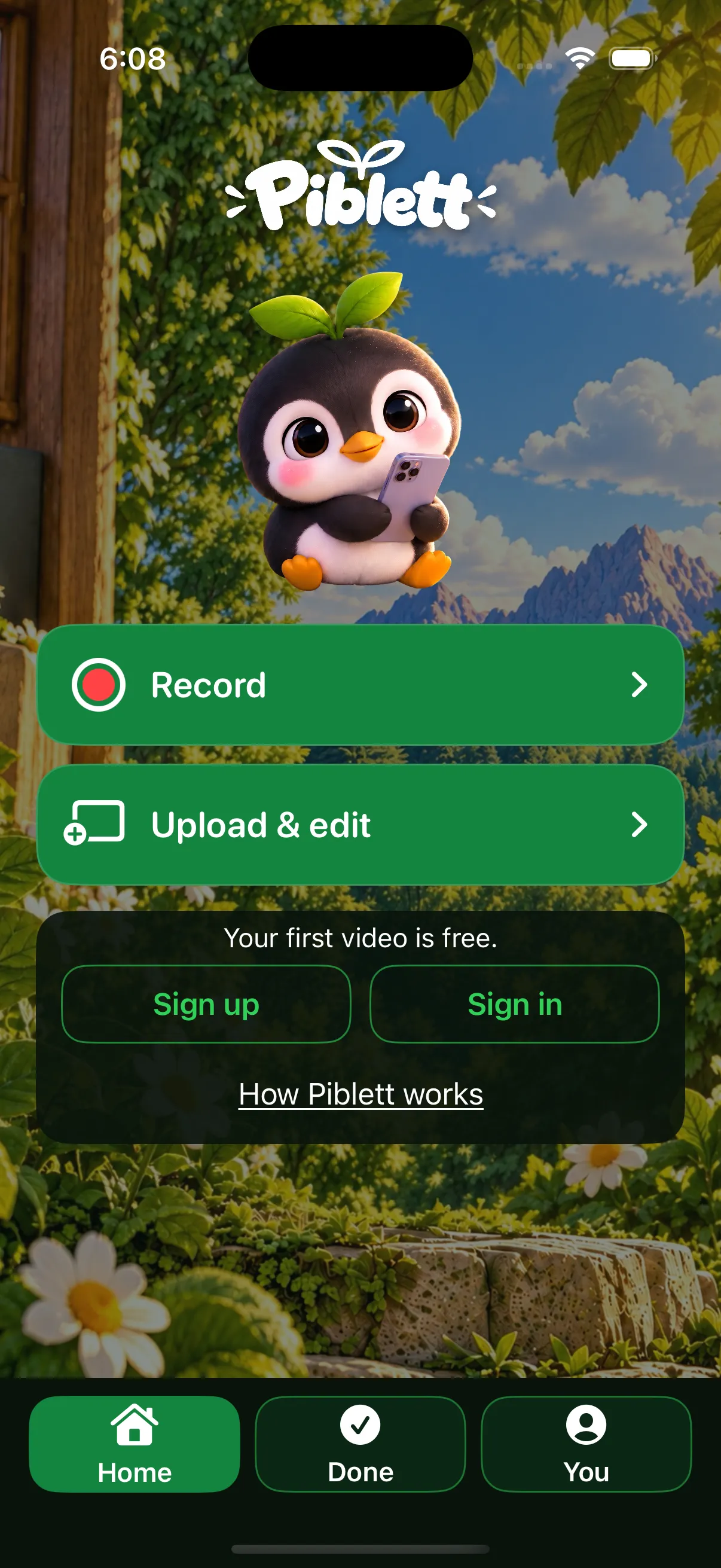
Record or pick a video
Film right in Piblett, or choose talking videos you already have in Photos.
Choose your edits and tap Send
Cut, captions and zooms are on by default. Change them for one video or set your own default once.
Get it back, ready to post
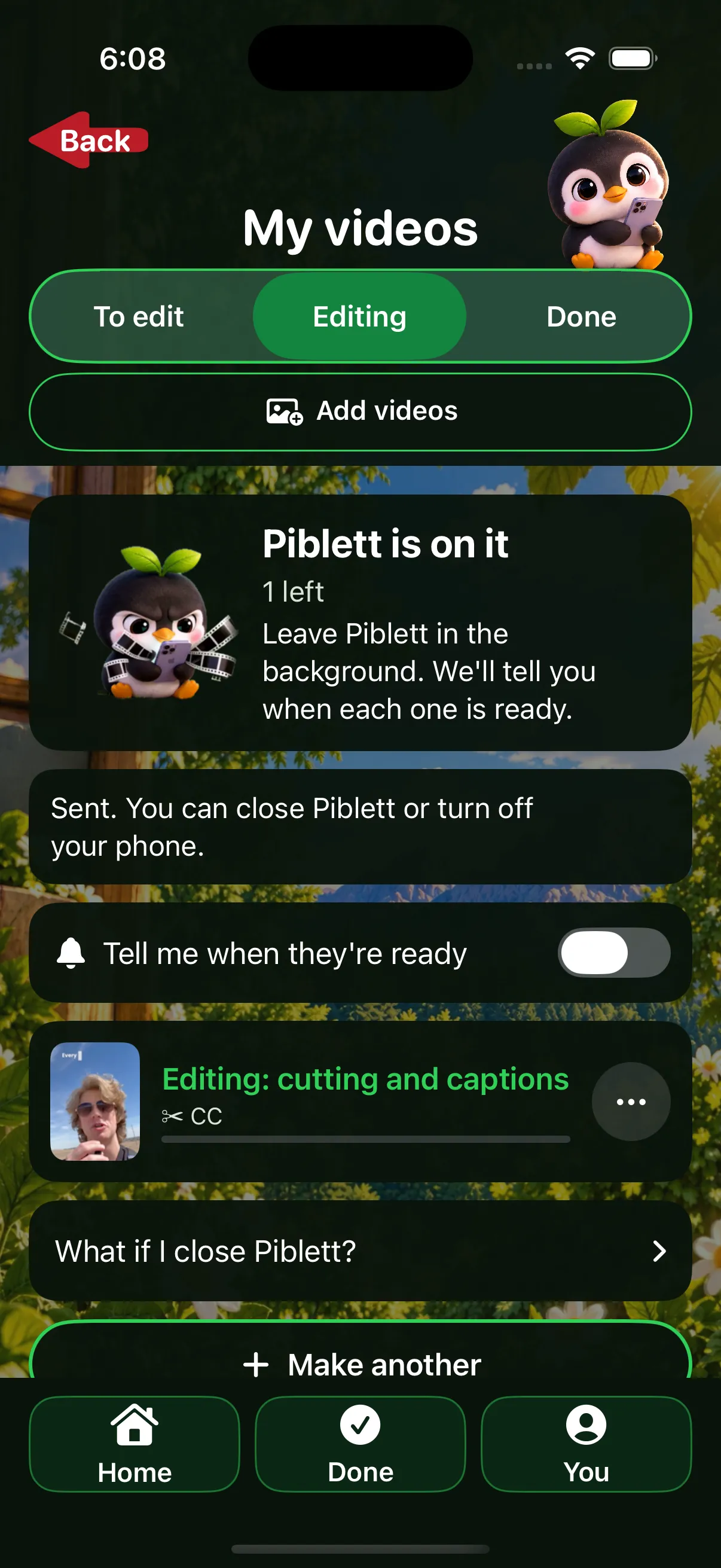
Piblett edits your video on its servers. How long it takes depends on the video's length. Once your video has finished sending, you can leave the app while it edits. Turn on notifications for editing updates. Then save it to Photos or share it.
Piblett shows you what it's doing. If something can't go ahead, it tells you why, and your videos stay on your phone.




Start free. Pick a plan when you're ready.
Free
$0
- One free video for eligible guests
- Five free videos for eligible accounts
- Free videos up to 3 minutes long
Creator
$14.99/month
- 100 videos a month
Pro
$29.99/month
- 300 videos a month
Pauses cut, captions and zooms · Videos up to 10 minutes · Cancel anytime
US prices. Your local price, currency and any taxes are shown in the App Store before you buy. Payment is charged to your Apple Account when you confirm. Subscriptions renew every month unless you cancel at least 24 hours before the end of the current month, in Settings → your name → Subscriptions. Daily limits on free videos apply.
Your videos stay yours
- Piblett only sees the videos you choose.
- Your originals in Photos are never changed or deleted.
- Everything sent for editing expires from Piblett's servers automatically after 7 days.
- No ads. We never sell your information.
- Delete your account any time, right in the app.

Questions
Do I need an account?
Eligible guests can send one free video. An eligible account gets five free videos. Send the guest video first for up to six in total. You'll get a sign-in code by email, and you can turn on Face ID to sign back in with one look.
How long does editing take?
It depends on how long the video is and how busy Piblett is. After your video has finished sending, you can leave the app while it edits. Turn on notifications for editing updates.
What kinds of videos work best?
Talking videos: one person speaking to the camera, like tips, stories, updates and reviews.
What counts as one video?
An edit that uses your allowance costs one video, whether you choose one edit option or several.
What happens to my original video?
Nothing. Piblett never changes or deletes the videos in your Photos. It edits a copy and gives you the finished video as a new file. Save finished videos to Photos to keep them.
How do I cancel my plan?
On your iPhone, open Settings, tap your name, then Subscriptions, and choose Piblett. Cancel at least 24 hours before your plan renews. You keep your plan until the end of the month you've paid for.
Which phones does Piblett work on?
iPhones with iOS 17 or later.
Where is Piblett available?
In the United States.
How do I delete my account?
In Piblett, open You, scroll down and tap Delete account. It removes your sign-in account and all your editing data on Piblett's servers. We keep a scrambled form of your email for 12 months, only so the same email can't get free videos again, and then erase it. It doesn't cancel an Apple subscription, and videos on your iPhone stay.
Your next video, without the editing.